Secure Self-Hosted AI Models in Minutes
LM Gate adds enterprise-grade security to your LLM server — deployed with a single docker compose command.
"A SentinelOne & Censys investigation found 175,000 Ollama hosts across 130 countries running without any authentication."
LM Gate makes sure yours isn't one of them.
How It Works
LM Gate sits between your clients and LLM backend, adding enterprise-grade authentication and access controls.
Up and Running in Minutes
Two deployment options, same simple steps.
Clone (Download)
git clone https://github.com/hkdb/lmgate.git && cd lmgate
Already have an LLM server?
LM Gate sits in front of your existing Ollama or LLM backend and adds security.
Requires Docker
Deploy
docker compose -f docker/docker-compose.standalone.yml up -d Use
Open the dashboard, login, change your password, and you are ready to go.
Starting fresh?
Ollama and LM Gate bundled together in a single container. Everything you need in one go.
Requires Docker
Deploy
docker compose -f docker/docker-compose.omni.nvidia.yml up -d
Use
Open the dashboard, login, change your password, and you are ready to go.
That's it. No cloud account. No subscription. Fully yours.
Why LM Gate?
Secure by Default
Authentication and access controls protect your LLM server the moment it's deployed.
Built-In Security
Login, multi-factor authentication, API key management, and access controls included out of the box.
One Command Setup
A single docker compose up command installs everything you need.
Team Ready
Share your LLM server with your team. Everyone gets their own account with their own permissions.
Stay in Control
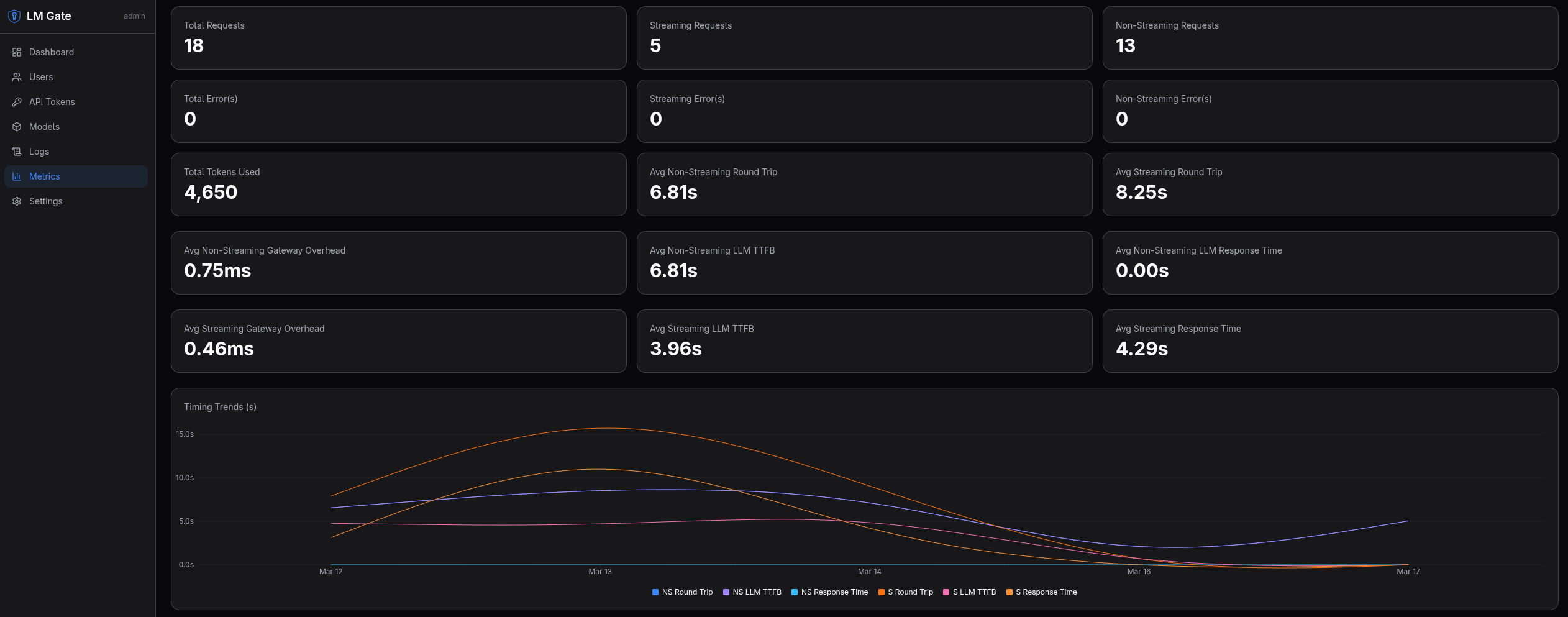
Set usage limits, see who's using what, and keep an audit trail of every request.
Hardware Coverage
Images available for CPU, NVIDIA, AMD, and Intel GPUs. Pick the setup that matches your hardware.
Curious About What's Inside?
LM Gate is free and open source under the Apache 2.0 license.
View on GitHub